Workspace
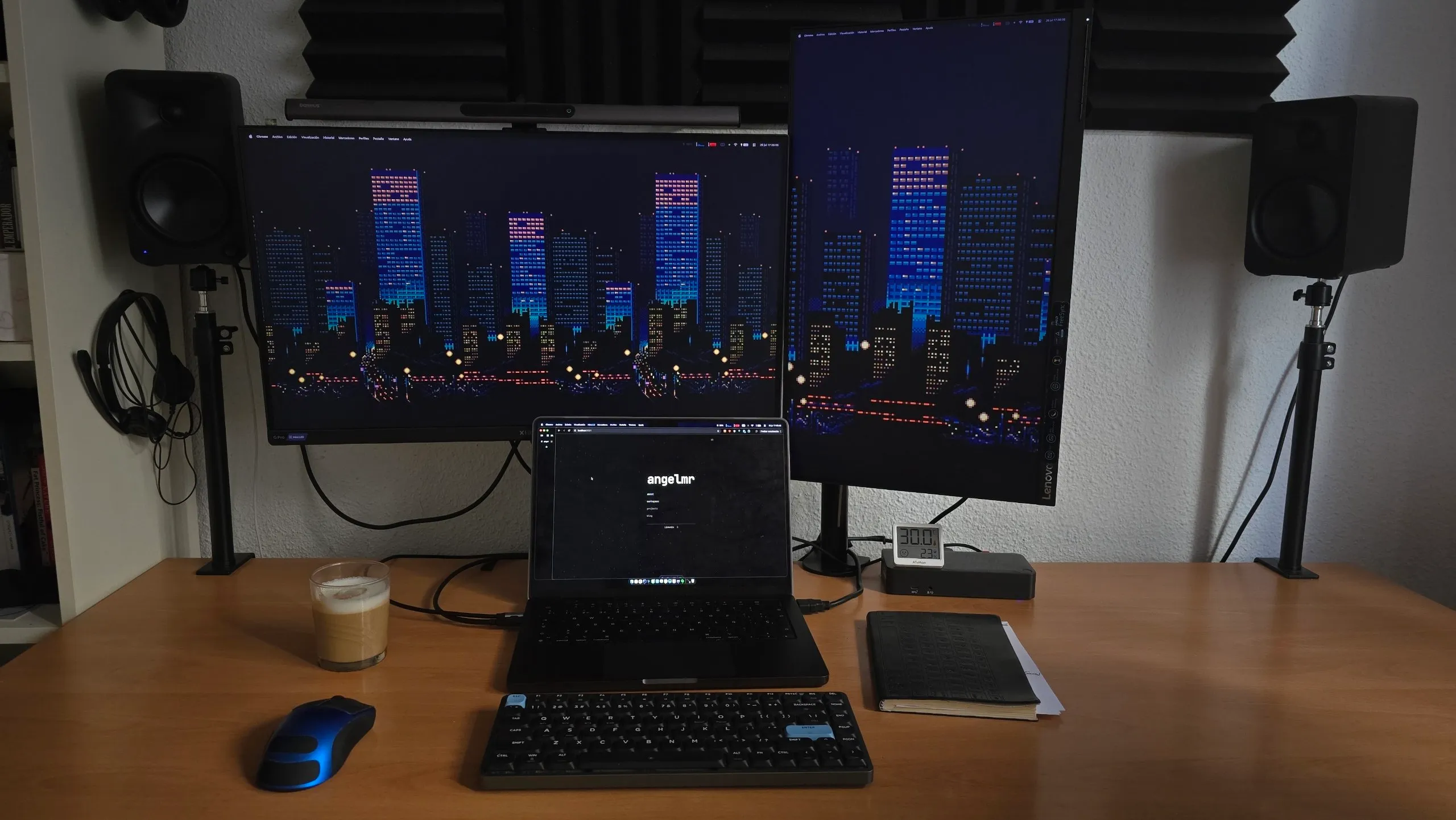
Hardware
- MacBook Pro: M4 with 16 GB of RAM, my main portable command center.
- Homelab 1 & 2: Two machines with 32 GB of RAM each: Proxmox, Ubuntu Server, Unraid, Dokploy, Docker containers and Stremio.
- Windows PC: My only Windows machine, with an RTX 2080 Super, used for graphics-heavy tasks and Windows app testing.
- VPS: Contabo machine with 8 GB of RAM, Ubuntu Server, 24/7 agents, Hermes/OpenClaw, cron jobs and background jobs.
Software
- Ghostty My everyday terminal. You can find my terminal configuration at https://github.com/Angel-M-R/dotfiles.
- Rectangle My window management tool.
- Stats The quickest way to see what my Mac is doing from the menu bar.
- CodexBar Keeps model limits, reset times, and usage visible in the menu bar.
- Macshot My screenshot tool.
My AI manager
A standard terminal is no longer enough to manage agents working in parallel. I currently use cmux.
I'm also using T3 Code to control agents on remote machines.
I recommend checking out Herdr and Orca. There are many agent harness and orchestration tools, but these four are my favorites at the moment.
My underlying agent configuration uses OpenCode with angel-ai as its orchestrator. You can find my MCP servers and configuration, skills, and agents there. In short:
cmux + OpenCode + angel-ai.
My token usage
Cost calculated using API prices. Check your own usage with npx devrage cost.
Cost calculated using API prices. Check your own usage with npx devrage cost.
Benchmarks
Some time ago, we had models posting very high benchmark scores that did not reflect real-world performance. Since each model has a different price per token, uses varying amounts of reasoning for each task, consumes more or fewer tokens, and completes the task in more or fewer steps, it is more useful to measure cost per completed task or intelligence per unit of cost. These are the benchmarks I recommend.